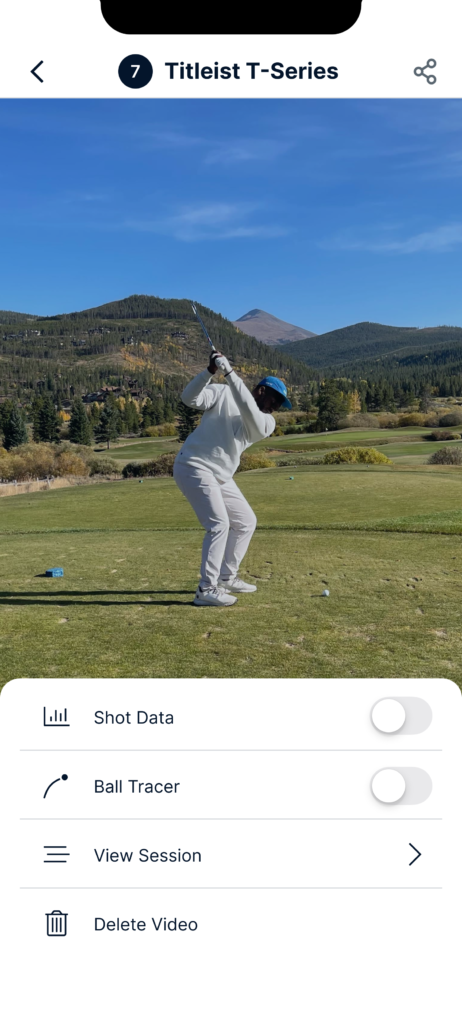
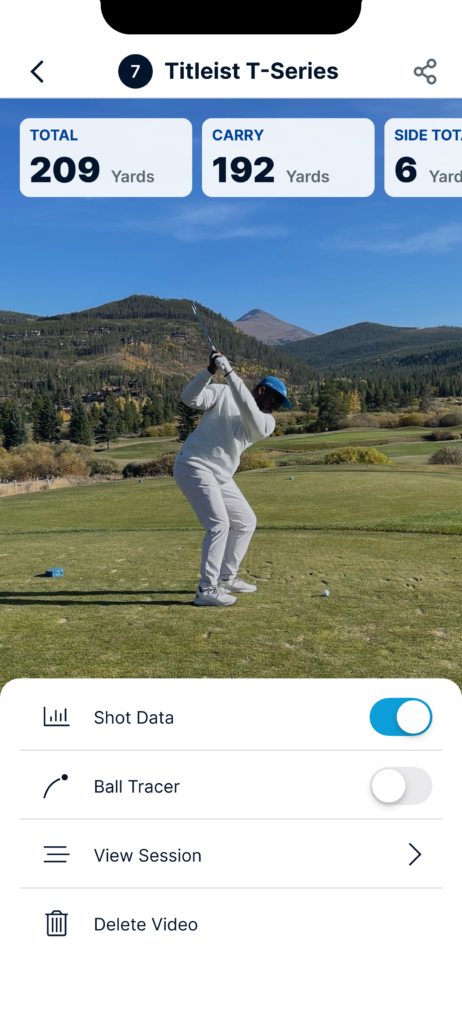
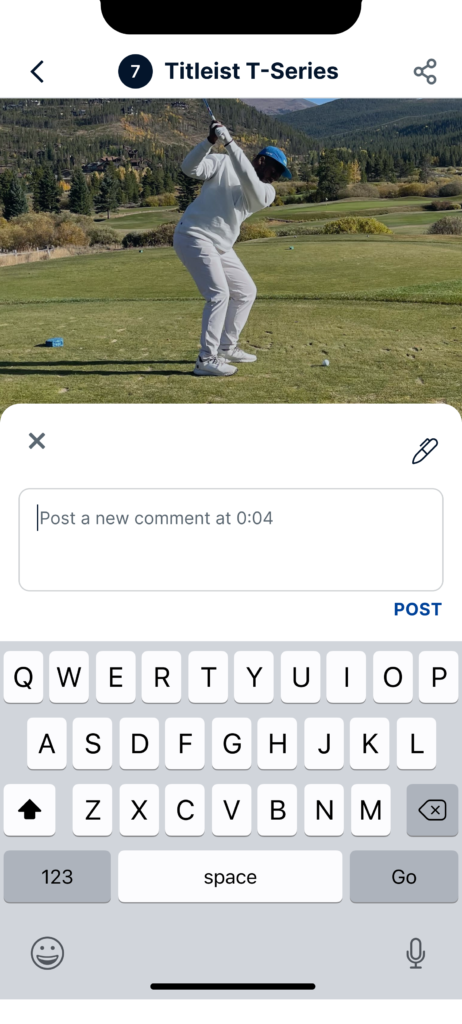
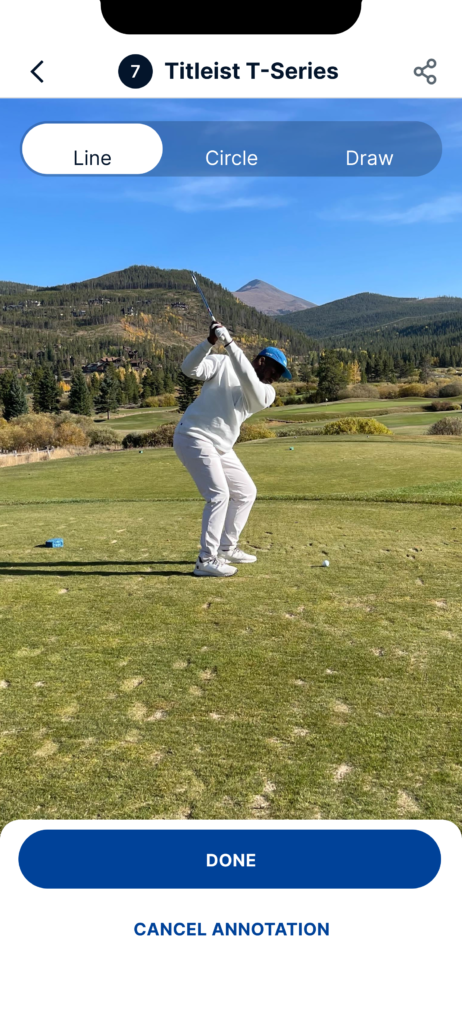
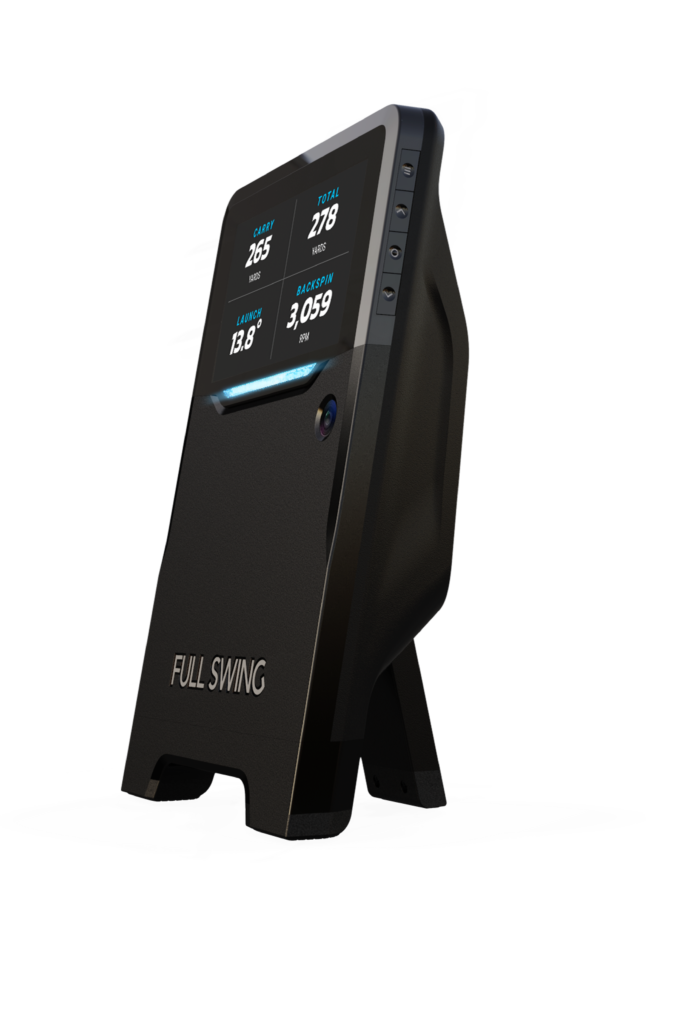
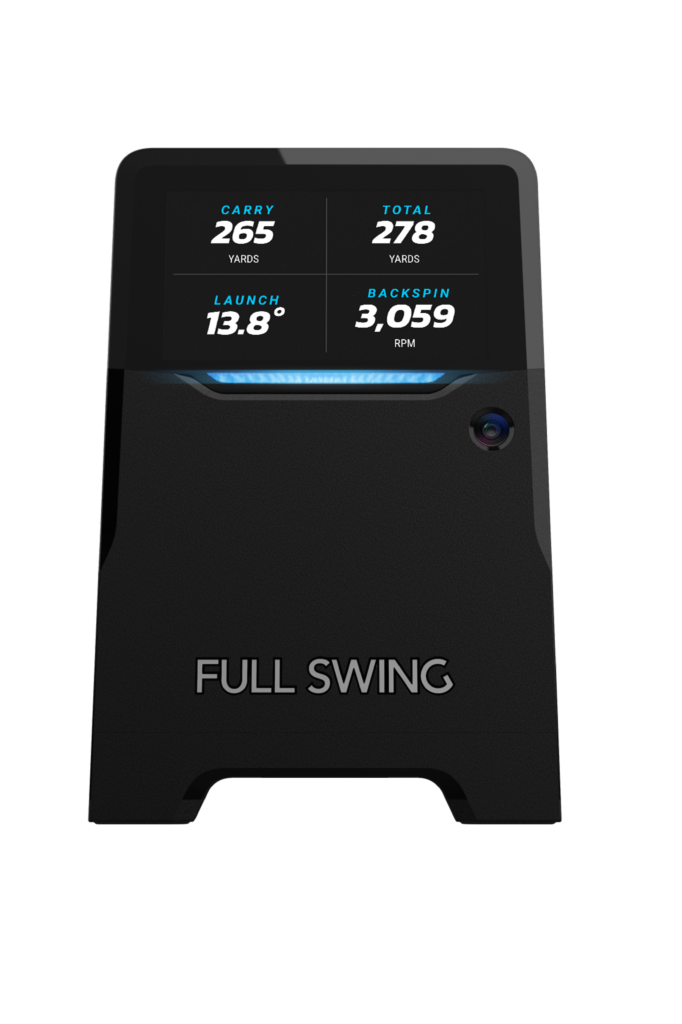
As an avid 4 handicap, I was thrilled to learn I would be leading a team to update the design experience for the TW team and their new app for the Full Swing golf simulator. This project presented itself with a ton of new challenges. I had never designed an experience that had to integrate with physical hardware. The coolest part about this was that I was able to marry my love for golf and love for design, into one incredible opportunity.
To start off, we had some pretty deep constraints to work around. The app was built with Unity and Objective-C which provided challenges from a UI perspective, as well as future maintainability. We also needed to work heavily with engineering to understand the limitations within Unity. For example, how it brings in a lot more code bloat or the inability to update non-native UI.
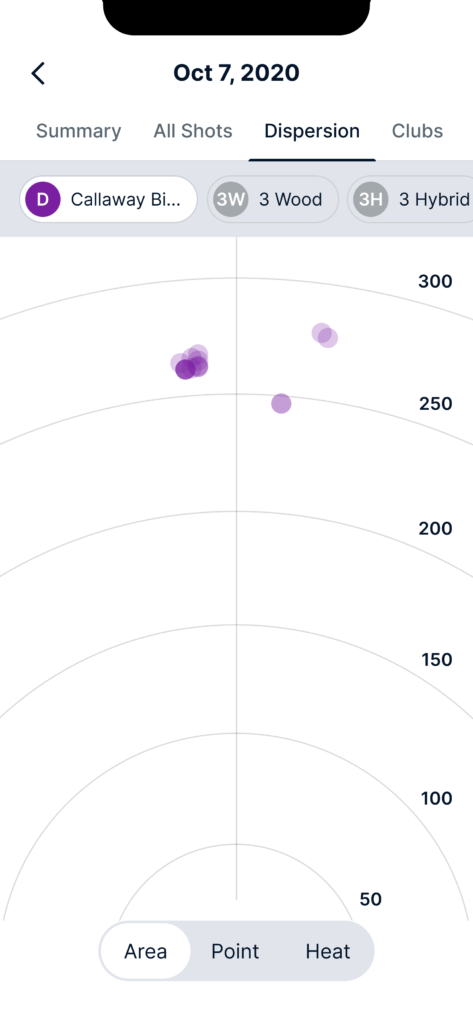
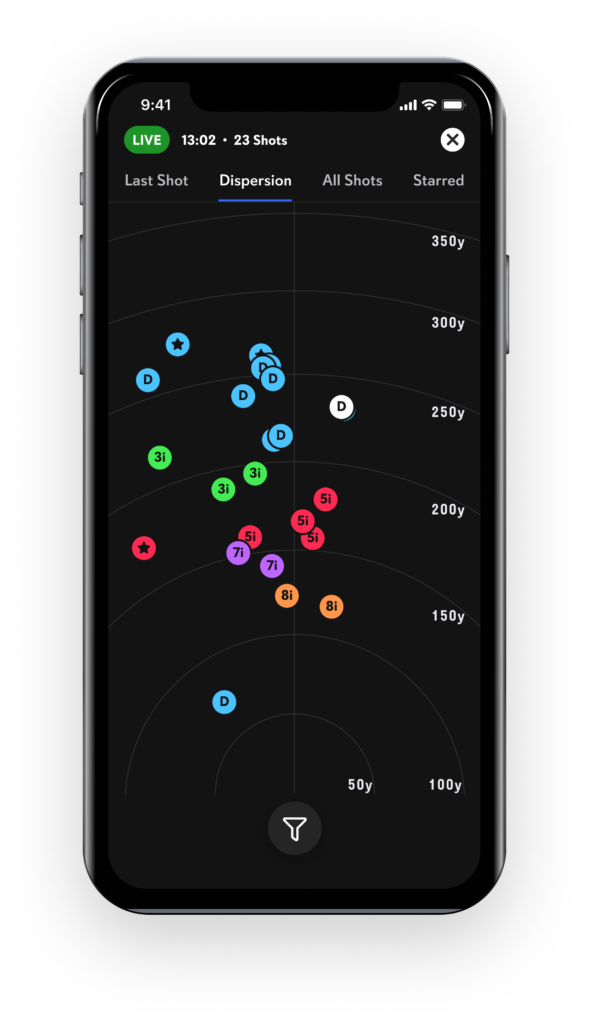
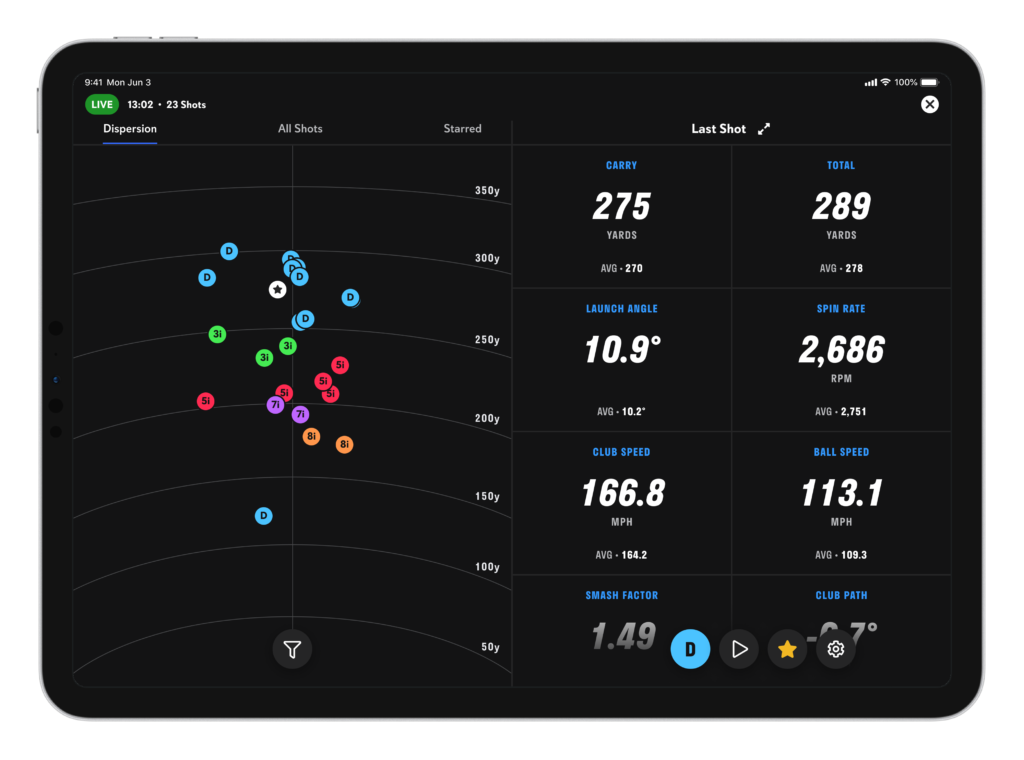
We then embarked on understanding who we are designing for. The Golfer. We had a good base persona already. A 5’11, former Shark Tank entrepreneur from Arkansas.. Just kidding. We wanted to learn about our golfers experiences before, after, and post practice. The Full Swing team gave us access to incredible insights, data models, and dispersion patterns, that required a new way to be visualized. All of this in effort to drive adoption and engagement within the app and while using the device.
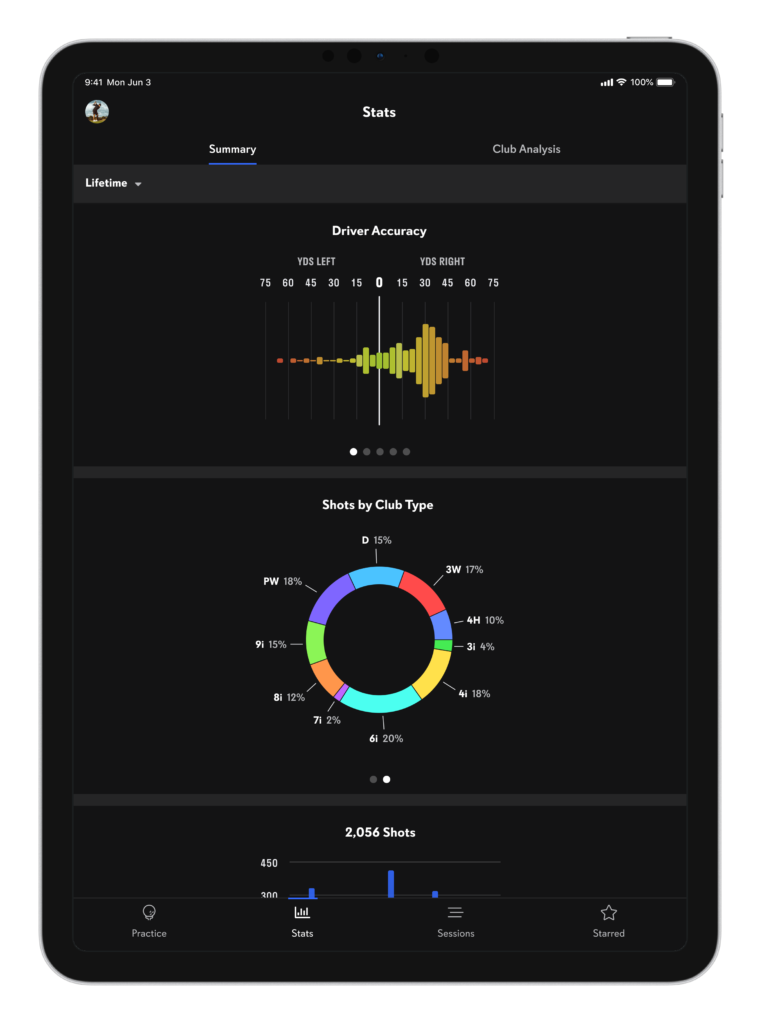
To do this, we went to the driving range. What a time in life to be conceptualizing a beautiful UX, outside, hitting golf balls, ALL day. We started learning how to best visualize dispersions from shots, how to map shot accuracy, how to delineate how often different clubs are used, and more.
With a short delivery timeline, and me being the only one with product and design expertise who actually played golf, the team leaned heavy on me to guide them through visualizing this experience.
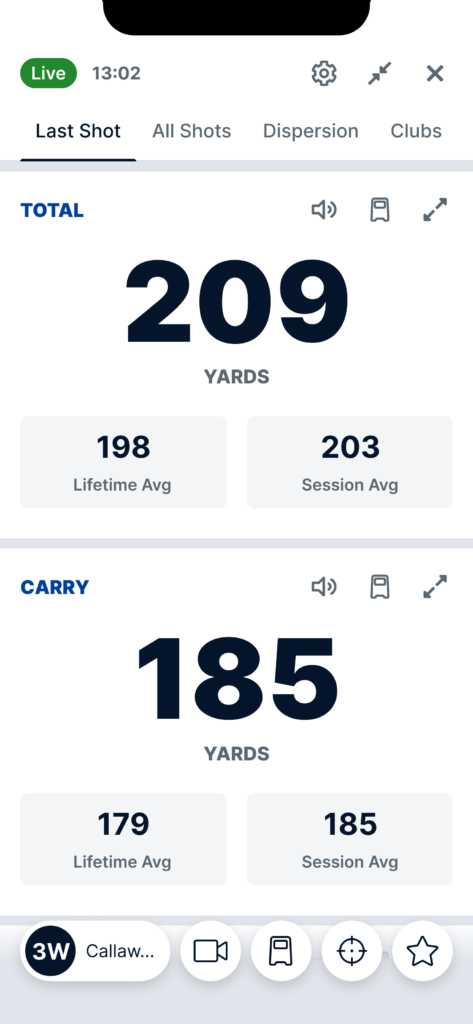
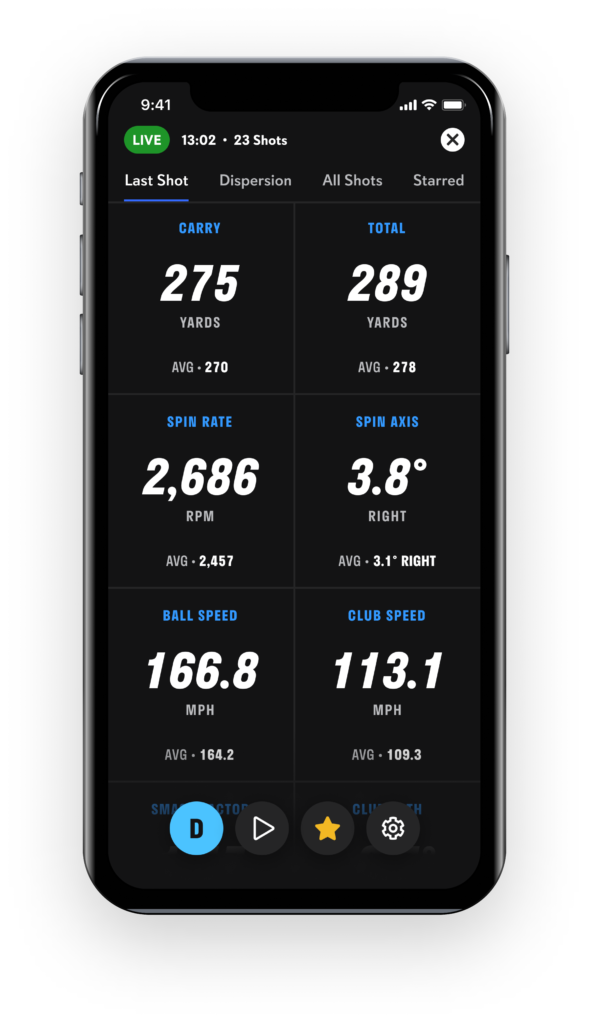
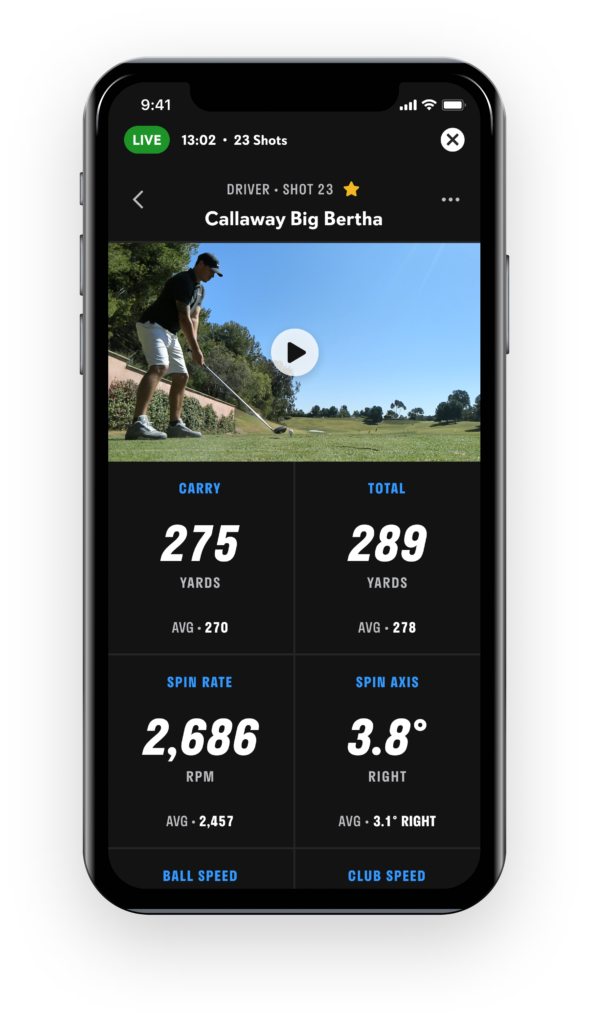
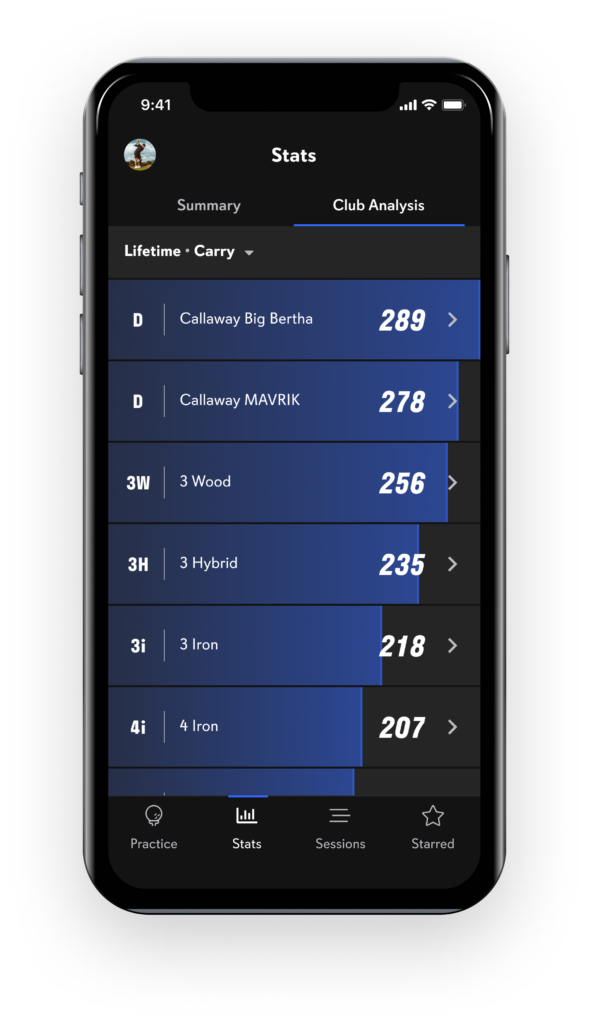
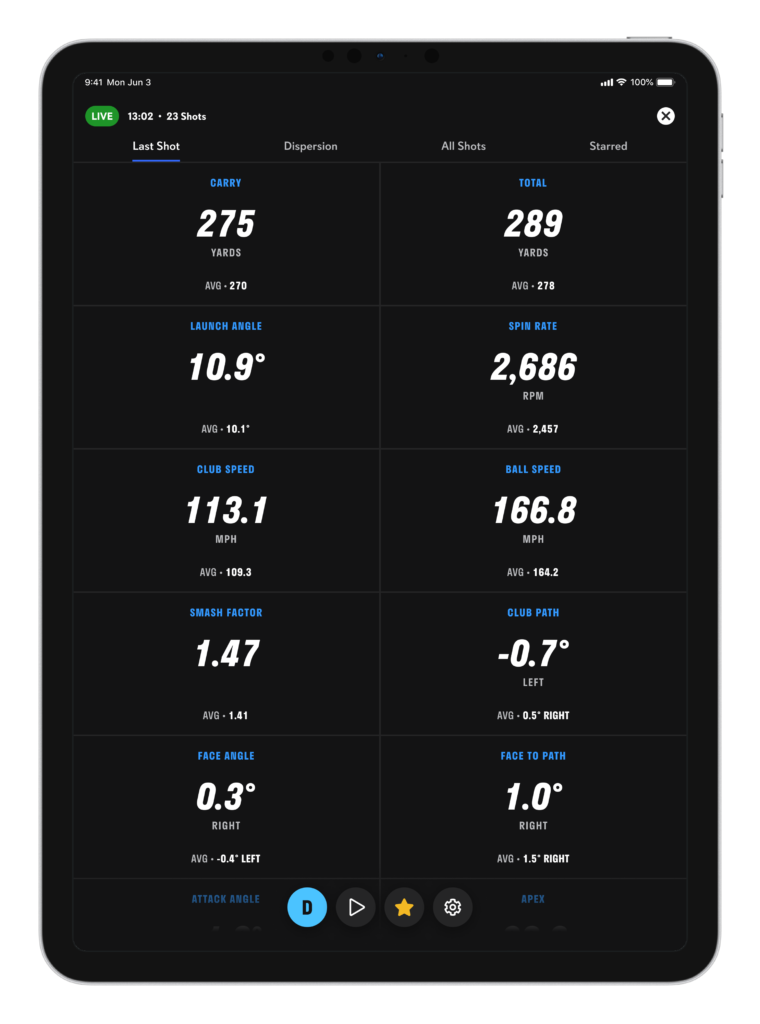
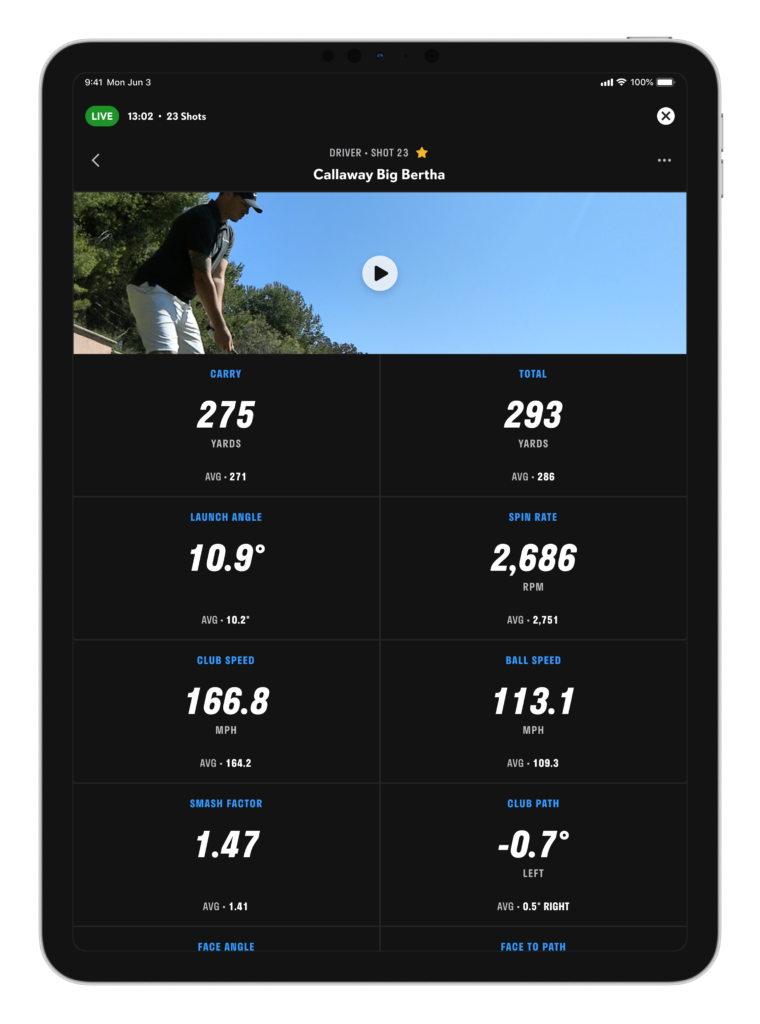
We started with the data we collected, pictures and videos we took, and the information we took away from conversations with the Full Swing team, and roughed out some mid-fi prototypes as seen below. This was our first pass at conveying a ton of valuable info, insights, tools, and settings, in an easy to use, repeatably simple UI.
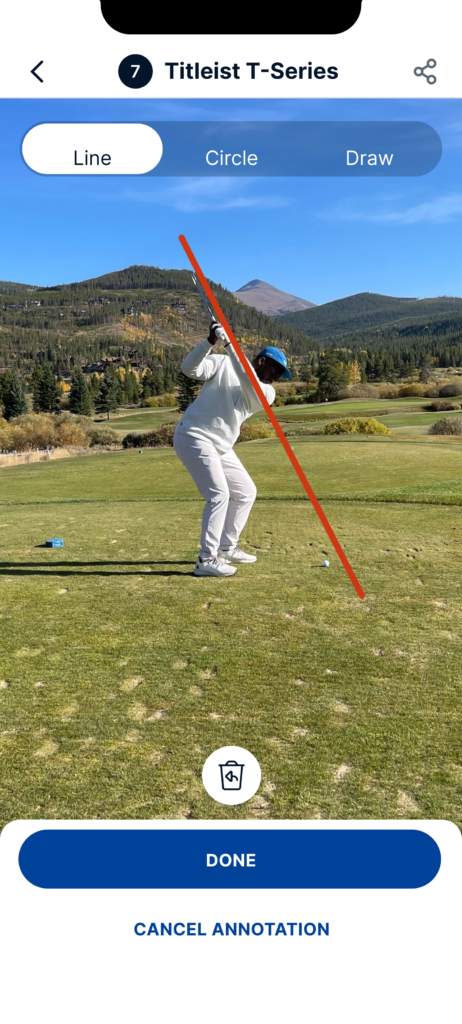
We wanted to make sure we provided tools to catalog, annotate, and analyze their insights from a range session. This, coupled with some of the insights fed in by the launch monitor, provided a crispy interface to learn about your swing.
After ironing out the new design system, it was time to shock this app to life. We chose a sleek simple color scheme, with emphasis around the data points to help golfers quickly understand and map information around their practice.
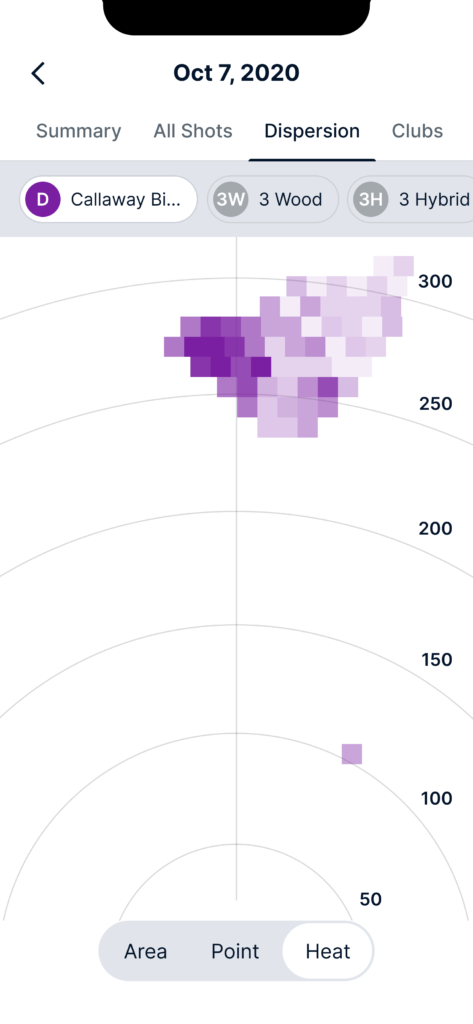
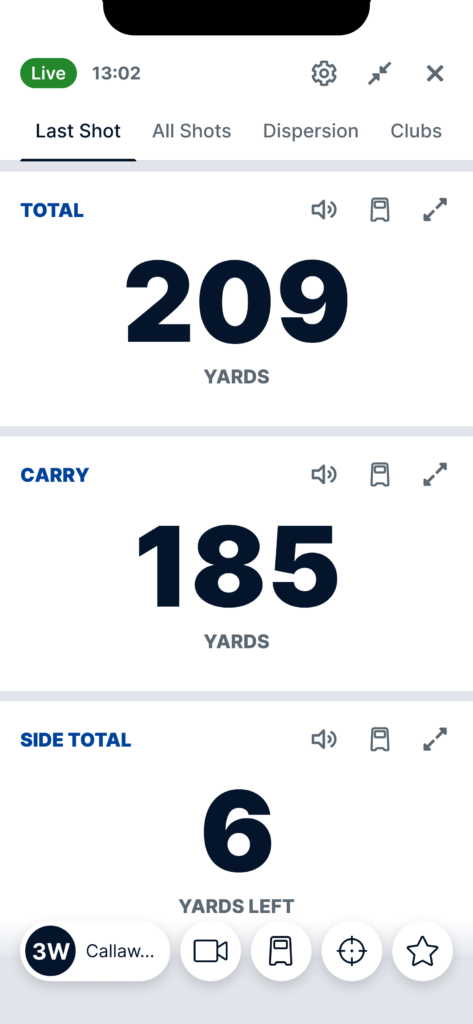
We remodeled how we displayed dispersions patterns and heat maps, added in more detailed information around yardage fed in by the launch monitor, and created something truly unique.
Product Strategy & Reflections
While the design of the Full Swing Golf Experience was focused on delivering clarity, precision, and a golfer-friendly interface, there were deeper product strategy questions running in parallel that shaped our work, often invisibly. These were the levers that helped us prioritize what mattered, constrain what didn’t, and push the work from a pretty interface to a tool players could trust.
1. Prioritizing Insight Over Information
One of the most strategic calls I pushed for early was moving away from just “showing data” toward delivering insights. Golfers don’t just want to see a shot scatterplot, they want to know why it matters. The difference is subtle but critical to understanding an experience: we’re not building dashboards, we’re building a digital golf coach.
So instead of cluttering the UI with metrics like launch angle, spin rate, and carry, we framed the interface to answer recurring practice questions:
-
Which club is consistently underperforming?
-
Where does my dispersion break down under fatigue?
-
What’s trending across the last three sessions?
This framing turned passive data into active insights. It also made us ruthlessly prioritize the data visualizations that mapped to real user behaviors, not just what looked “cool.”
The insight-per-session metric became our internal north star, how many golf “aha” moments did we trigger each session?
2. Narrowing Scope by Golf Use Cases
It’s tempting in products like this to fall into the feature factory trap. But I anchored the team around a different principle: segmenting by intent. For golfers, there are distinct modes:
-
Warm-up: quick feedback, minimal cognitive load
-
Technical practice: deep club-by-club analysis
-
Post-round review: trend mapping and reflection
Instead of building “one experience,” we scoped and pressure-tested flows around these distinct use cases. This let us constrain scope early and made the interface feel like it adapted to the golfer’s intent even when it didn’t technically change.
This also fed into our UI layout: warm-up surfaces immediate feedback, while technical practice unlocks more precision layers (club selection, swing tags, video overlay, etc.).
Tradeoff acknowledged: We deprioritized customization early on in favor of opinionated defaults aligned to these modes. The upside reduced UI complexity and created better first-session comprehension. The risk? Advanced users might want more control. But for v1, this was a deliberate call.
3. A Retention-Driven Product Loop for Physical + Digital
We knew we weren’t just competing against other golf apps. We were competing against muscle memory and the idea that “I’ll remember what happened at the range.” That’s why the real product wasn’t just the session. It was the replay loop.
So I advocated for a product loop that started at the range and ended back in the app:
-
Golfer hits session on simulator
-
Launch monitor feeds dispersion data
-
User annotates and bookmarks key swings
-
After the session, app sends a digest with key insights, deltas vs. past sessions, and suggested club-specific drills
This loop served two strategic functions:
-
Gave golfers a reason to come back between sessions
-
Created a natural trigger for coaches to review player data asynchronously
The more sessions you completed, the more valuable your data became and subsequently, the stickier the experience.
4. Designing for 1-Second Glanceability
I also pushed hard on glanceability as a product constraint. In high-performance environments where you’re sweating, timing swings, and adjusting grip, clarity has to win over cleverness.
We tested heat maps, dispersion rings, and multi-club overlays, but only kept the ones that could pass what I called the “1-second rule”: if a golfer couldn’t look at the screen and immediately tell what was working and what wasn’t, we cut it or redesigned it.
The broader strategic insight here: in fast feedback loops, UX latency equals user dropout. That shaped every aspect of visual hierarchy and interaction cost.
5. Platform Tradeoffs: Unity + Objective-C
From a product strategy standpoint, the biggest technical constraint was the Unity/Objective-C stack. The implications went beyond design:
So we leaned into designing within the reality of the system, not fighting it. That meant fewer transitions, lightweight animations, and static layouts that wouldn’t break under frame drops. It also meant documenting a clear handoff layer between design intent and engineering feasibility something I owned closely.
In a perfect world, we’d have rebuilt in Swift with a real component system. But our job wasn’t to ship a perfect design system. It was to ship value, under constraints. And we did.